
e-Learn She Earn Program 2026 Registration — How to Apply Online
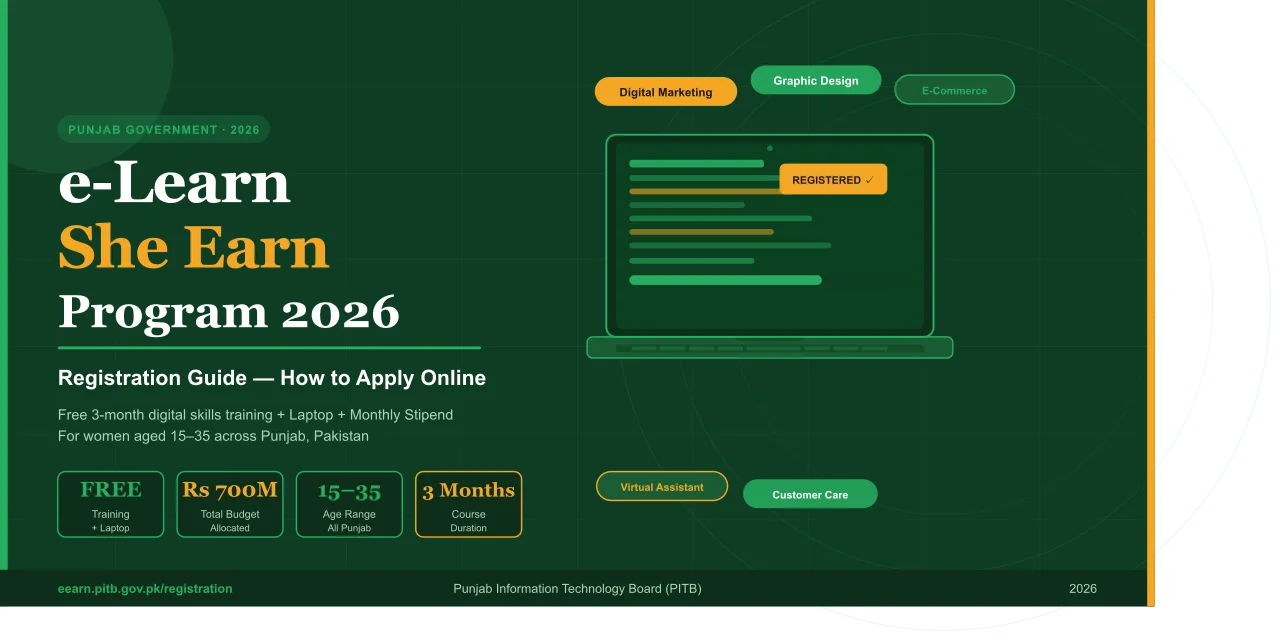
The Punjab Government has launched the e-Learn She Earn Program 2026, and registration is now underway. If you are a woman aged 15 to 35 living anywhere in Punjab, this is your chance to get free digital skills training, a laptop, internet access, and a monthly stipend — all at zero cost. This guide covers only what you need to know about the registration process: where to go, what to prepare, and how to complete your application step by step.
Official Registration Portal
Registration for the e-Learn She Earn Program is handled through the Punjab Information Technology Board (PITB) platform. The official registration link is:
Who Can Register — Basic Eligibility Check
Before filling out the form, confirm you meet these requirements. The program is designed to be open and inclusive, so the bar is intentionally low.
- You are a woman between 15 and 35 years of age
- You are a resident of Punjab, Pakistan
- You have at least a basic level of education (Matric or equivalent)
- You have no prior digital skills required — beginners are welcome
- Students, housewives, job seekers, and unemployed women can all apply
- Women from rural and small-city areas are especially encouraged
Documents Required for Registration
Keep these documents ready before you start filling out the form. Having them prepared in advance will make the process much faster.
| Document | Details |
|---|---|
| CNIC | Your own Computerised National Identity Card. If under 18, a B-Form is accepted. |
| CNIC-Linked Mobile Number | An active mobile number registered under your CNIC for OTP verification. |
| Educational Certificate | Matric, FA, or any highest qualification certificate (scanned copy). |
| Proof of Punjab Residency | Your CNIC address or a domicile certificate showing Punjab as your home province. |
| Passport-Size Photograph | A recent photo in digital format (JPG or PNG). |
Step-by-Step Registration Process
Follow these steps carefully. The entire process is online and takes roughly 10 to 15 minutes if your documents are ready.
-
Open the Official PortalGo toeearn.pitb.gov.pk/registrationin your browser. Use a stable internet connection. The portal works on both mobile and desktop.
-
Enter Your CNIC NumberType your 13-digit CNIC number (without dashes) in the first field. This is used to verify your identity and pull basic details from the NADRA database.
-
Verify Your Mobile NumberEnter the mobile number registered under your CNIC. An OTP (one-time password) will be sent to this number. Enter the OTP to proceed.
-
Fill in Personal & Educational DetailsEnter your full name, date of birth, district, tehsil, address, and educational background. Fill every required field accurately. Double-check spellings before moving forward.
-
Choose Your Preferred Digital SkillSelect one skill from the available course options — such as Digital Marketing, Graphic Design, E-Commerce Management, Virtual Assistance, or Digital Customer Care. Pick what genuinely interests you.
-
Upload Required DocumentsAttach scanned copies of your CNIC (or B-Form), educational certificate, and passport-size photograph. Files must be clear and within the size limits shown on the portal.
-
Review & Submit Your ApplicationRead through all the information you have entered. Once satisfied, click theSubmitbutton. You will receive a confirmation message or reference number on your registered mobile number.
-
Wait for Selection ConfirmationShortlisted applicants are notified via SMS or the portal. If selected, you will receive details about your training batch, schedule, and next steps. Keep checking your messages and the portal regularly.
What Happens After You Register?
Once you submit your application, here is what to expect next:
Applications go through a shortlisting process based on eligibility and the number of available seats per batch. Selected participants receive an official notification — either by SMS on their registered number or through the portal — confirming their enrollment. After confirmation, you will be given your training batch schedule, course start date, and instructions for receiving your laptop and stipend.
Important: Submitting an application does not guarantee a seat. Seats are limited per batch. However, the program runs multiple batches throughout the year, so even if you are not selected in the first round, you may be enrolled in a later batch.Common Registration Mistakes to Avoid
These small errors cause a large number of rejections or delays. Avoid them from the start.
- Using a mobile number that is not registered under your CNIC — you will not receive the OTP
- Uploading blurry, dark, or cropped document scans that cannot be verified
- Entering a wrong CNIC number or date of birth that does not match NADRA records
- Leaving required fields blank and trying to submit an incomplete form
- Applying through unofficial third-party websites — your data may not reach the program
- Using a SIM that is not active — the OTP will not arrive
Registration FAQs
Q. What is the official registration website for e-Learn She Earn 2026?
The official portal is eearn.pitb.gov.pk/registration, managed by the Punjab Information Technology Board (PITB).Q. Is registration free of charge?
Yes, registration is completely free. Do not pay any fee to any website, agent, or person claiming to help you register.Q. What if my mobile number is not registered under my CNIC?
You will not receive the OTP needed to complete registration. Get your SIM registered under your CNIC through your mobile network’s franchise before applying.Q. Can I apply if I am under 18?
Yes. The program is open to women from age 15. Use your B-Form in place of a CNIC where required.Q. Can I apply from a mobile phone?
Yes. The PITB portal is mobile-friendly. However, for uploading documents clearly, a desktop or laptop gives better results.Q. How will I know if I am selected?
Selected applicants receive an SMS on their registered mobile number and a notification on the portal. You can also log in to check your application status.Q. What if registration dates are not open yet?
Batch-wise registration opens at different times. Bookmark the official portal and check it regularly, or follow Punjab government social media channels for the latest announcements.